
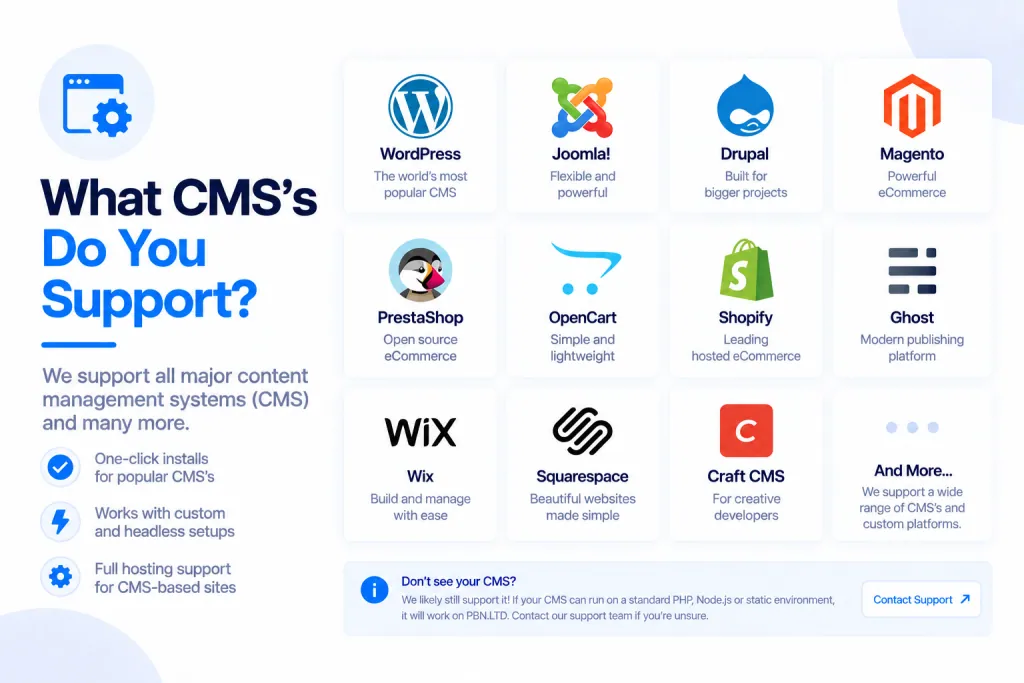
We host a lot more than just WordPress. There are nine site types to choose from, and whichever one you pick, your site arrives installed, tuned and ready to use — with the same full set of tools behind it.
💡 Heads-up
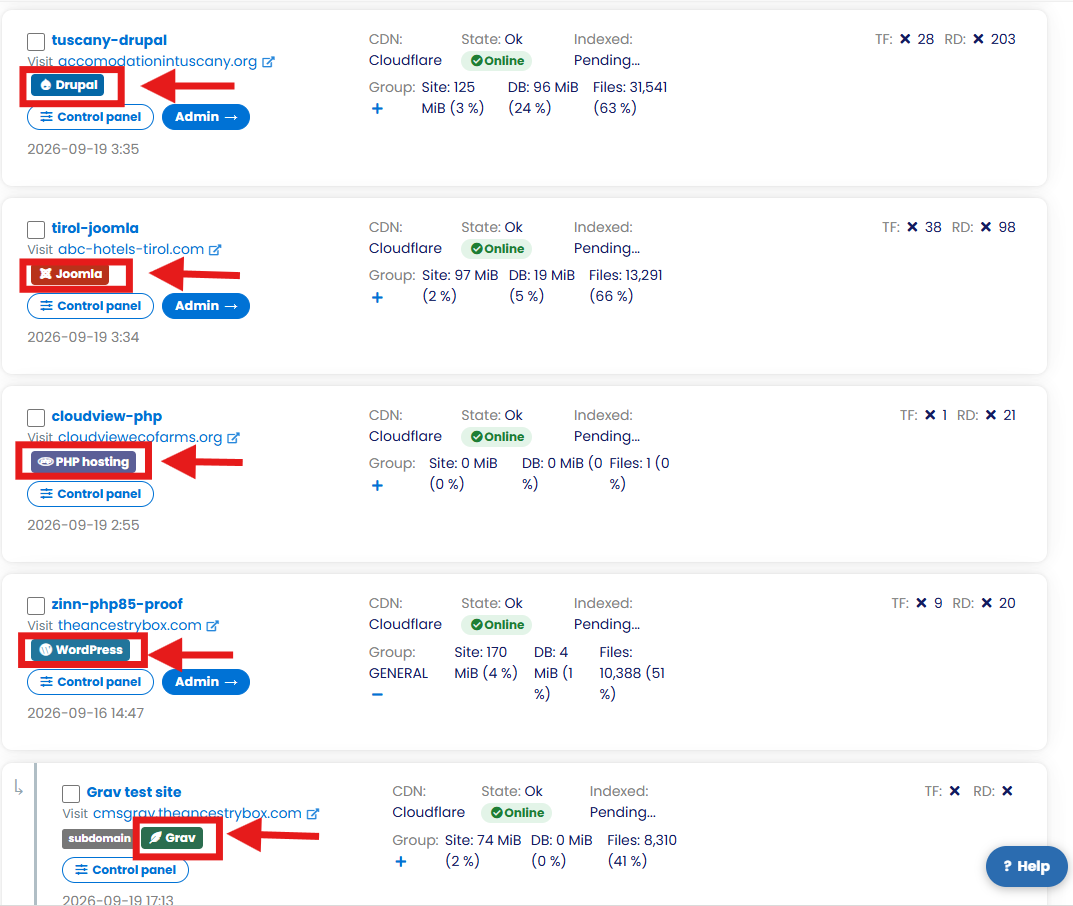
You choose your platform when you add a site, and every type gets the same toolkit — one-click admin login, File Manager, phpMyAdmin, SFTP, backups, CDN and more. You can tell each site’s type at a glance from the badge in your dashboard.
The platforms we support
When you add a site you can choose from any of these nine platforms:
| Platform | What it’s for |
|---|---|
| WordPress | The world’s most popular website and blog platform. |
| Static HTML | Plain HTML, CSS and JavaScript files — fast, simple, nothing to update. |
| PHP hosting | Run your own PHP application or custom code. |
| Joomla | A flexible content management system. |
| Drupal | A powerful CMS for larger, more complex sites. |
| PrestaShop | A full-featured online shop. |
| OpenCart | A lighter-weight online shop. |
| Grav | A fast “flat-file” CMS that keeps its content in files — no database needed. |
| MediaWiki | A wiki — the software Wikipedia runs on. |
The four newest additions
PrestaShop, OpenCart, Grav and MediaWiki are our most recent additions. Each one arrives fully installed, connected to its database and tuned for production straight out of the box — search-friendly web addresses, caching switched on, error messages hidden from visitors, your administrator account already created, and scheduled tasks running reliably from our platform rather than relying on visitor traffic.
A couple of extras come baked in: for the two shops (PrestaShop and OpenCart) the back-office is moved to a private address, so nobody can guess your admin login page; and MediaWiki ships with the most useful extensions ready to go, and only lets people edit once you’ve given them an account. We install a current, production-ready release of each (PrestaShop 9, OpenCart 4, Grav 2 and MediaWiki 1.46).
What every site type includes
It doesn’t matter which platform you choose — every site gets the same tools in your dashboard:
- One-click admin login for WordPress, Joomla, Drupal, PrestaShop, OpenCart, Grav and MediaWiki — opens your site’s admin in a new tab, already logged in.
- File Manager and phpMyAdmin — browse and edit your files and database right in the browser.
- SFTP access — connect with FileZilla, WinSCP or the command line.
- Backups and one-click restore.
- Free CDN, SSL/HTTPS and full DNS control.
- Usage figures and add-ons, freeze and unfreeze, moving between servers, and delete.
- Site Cleaner — clears out unused plugins, junk files and database clutter (a paid add-on).
- Repair site — puts a damaged configuration back by itself.
Each type also comes with a generous file, disk and database allowance sized for that platform — and no new site starts anywhere near its limit.
Choosing your platform
You pick the type when you add a site. Already have a site elsewhere? You can bring across WordPress, Joomla, Drupal, static HTML and PHP sites etc — see How To Migrate Your Site To PBN LTD. Once a site is added, the platform badge on each card in your sites list shows what it is at a glance.
✅ Quick summary: We support nine site types — WordPress, Static HTML, PHP hosting, Joomla, Drupal, and the newer PrestaShop, OpenCart, Grav and MediaWiki. Pick one when you add a site; it arrives installed and tuned, and gets the same full toolkit: one-click login, File Manager, phpMyAdmin, SFTP, backups, CDN and more.