
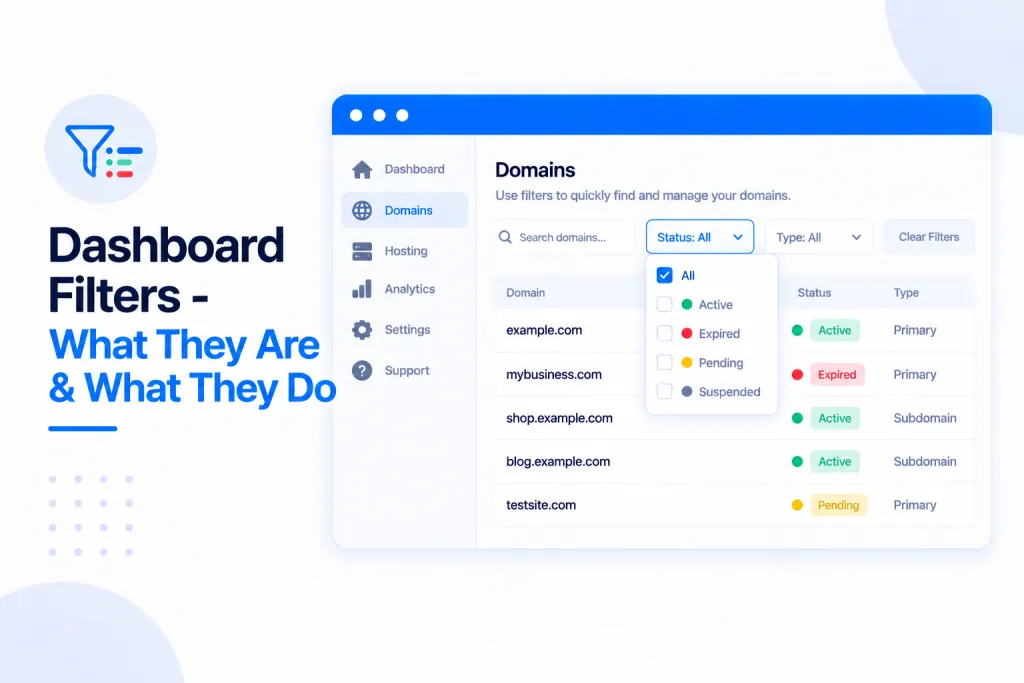
Managing a large network is far easier when you can zero in on exactly the sites you’re after. Right at the top of your main dashboard overview you’ll find a set of filters that let you slice through all your PBN.LTD-hosted domains in seconds — by state, whether they’re online, their CDN, PHP version, index status and more.
💡 Heads-up
You can combine as many filters as you like — they stack together. So you could show only the sites that are offline and not indexed, or every site on an old PHP version using a particular CDN for example, all at once.
What’s in this guide
Where to find the filters
The filters sit along the top of your main dashboard overview, just above your list of sites. Set any of them and the list updates instantly to match.

What each filter does
| Filter | What it does |
|---|---|
| Site group | Show only the sites in a particular group. |
| Search domain or name | Type any part of a domain or site name to jump straight to it. |
| State | Filter by a site’s current state — Live, Waiting DNS update, Activating CDN, Error, and so on. |
| Online | Show only Online or only Offline sites, so you can quickly spot and fix any that are down. |
| CDN | Filter by which CDN a site is using (Cloudflare, BunnyCDN, and the rest). |
| PHP | Filter by PHP version — ideal for finding sites that need upgrading. |
| Indexed | Show only Indexed or Not indexed sites. |
| Sort | Order the list — newest first, oldest first, A–Z or Z–A. |
Putting it to work
Because the filters stack, you can answer very specific questions about your network in a couple of clicks. A few examples:
- Find sites that need attention — set Online to Offline to see everything that’s currently down, then jump in and fix it.
- Spot sites that need a PHP upgrade — use the PHP filter to list every site still on an older version.
- Combine filters — set Offline and Not indexed to find sites that are both down and missing from Google for example.
- Work through one CDN or group at a time — narrow by CDN or Site group, then sort however suits you.
✅ Quick summary
The dashboard overview has filters for Site group, search, State, Online, CDN, PHP, Indexed and Sort. They stack together, so you can pinpoint exactly the sites you need — like everything that’s offline and not indexed — making a big network quick to manage.