
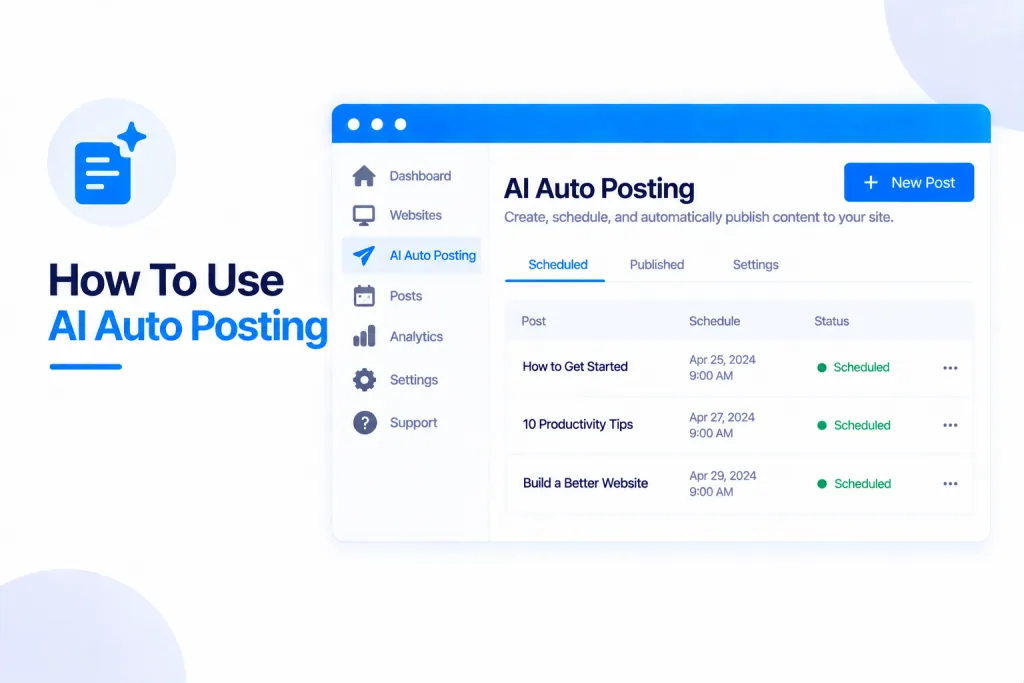
AI Auto Posting writes articles with AI and publishes them straight to your sites — on a schedule, on its own. You bring your own AI account, set up a campaign (which sites, what topics, how often), and it takes care of the writing and posting. It’s included in your plan; you only ever pay your AI provider for what it writes.
💡 Heads-up
You use your own AI account and key, so the only charge for the writing comes from your AI provider — Auto Posting itself is included in your plan. And nothing has to go live unattended: you can have every article wait for your approval, and edit it before it posts.
What AI Auto Posting is
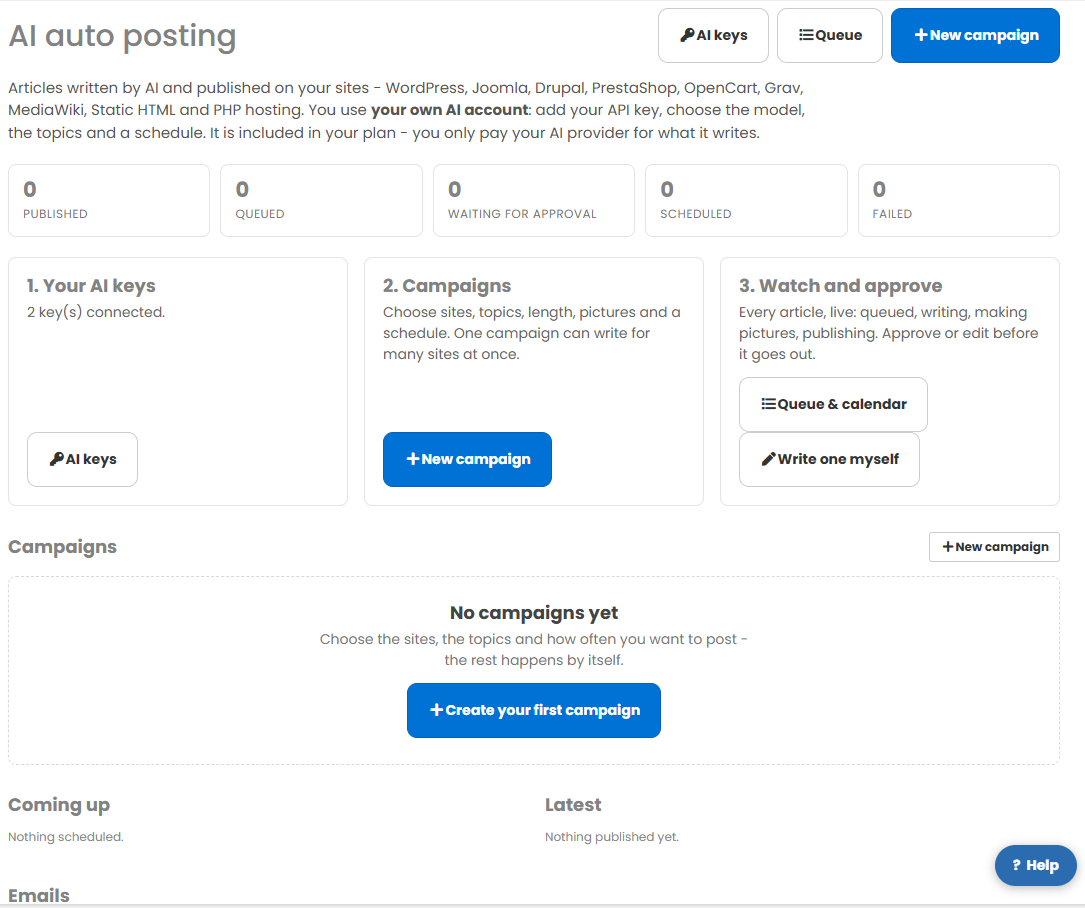
It writes articles with AI and publishes them to your sites — across all nine site types: WordPress, Joomla, Drupal, PrestaShop, OpenCart, Grav, MediaWiki, Static HTML and PHP hosting. You add your own AI key, choose the model, give it topics and a schedule, and it does the rest. Because you use your own AI account, it’s included in your plan — you only pay your AI provider for what it writes.
Where to find it
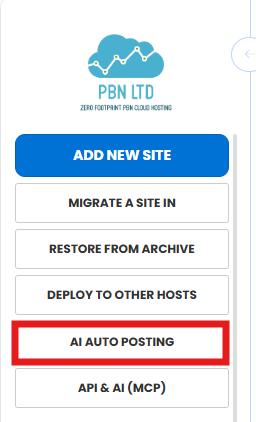
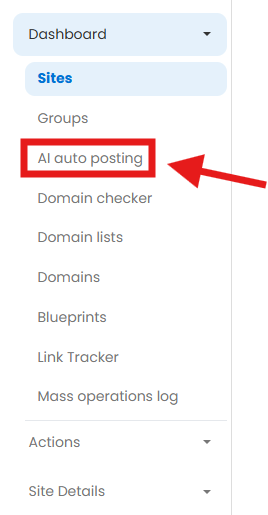
Open it from the main menu under AI Auto Posting, or from Dashboard → AI auto posting.
Step 1 — Add your AI key
First, connect an AI account on the AI keys page. We support Anthropic, OpenAI, Gemini, xAI, Mistral, DeepSeek and OpenRouter — paste in a key from whichever you use, and test it in a click. Your key is stored encrypted and never shown again, and you can add more than one. This is the only part that costs anything, and it’s billed by your AI provider, not us.
Step 2 — Create a campaign
A campaign is a set of instructions for what to write and where to post it. One campaign can write for many sites at once. When you create one you choose:
- The sites to post to.
- The topics — give your own, or let the AI choose.
- The text model and a picture model.
- The length, tone and language, plus any links to include.
- Pictures per article and whether to set a featured image.
- The schedule and how many articles to write.
- Whether each article publishes automatically or is saved as a draft for you to approve.
Prefer to do just one? You can also write a single article by hand from the same page, with the AI’s help.
Step 3 — Watch & approve
Everything appears in your Queue & calendar, and you can watch each article move through its stages live — queued, writing, making pictures, then publishing. If you’ve set a campaign to wait for approval, every article pauses so you can read, edit or approve it before it goes out. The counters at the top of the page — Published, Queued, Waiting for approval, Scheduled and Failed — show where everything stands at a glance.
Good to know
- Auto Posting runs on its own queue, so it never slows down anything else you do on your account.
- You’ll get an email summary after each run, and a heads-up if one of your AI keys ever stops working.
- It’s included in your plan — the only cost is whatever your AI provider charges for what it writes.
✅ Quick summary: AI Auto Posting writes and publishes articles to your sites automatically, using your own AI account. Add an AI key (Anthropic, OpenAI, Gemini and more), create a campaign — sites, topics, schedule, pictures and how many — and watch it work in the Queue & calendar, approving or editing each article first if you like. It posts to all nine site types, runs on its own queue, and is included in your plan; you only pay your AI provider for what it writes.