@pbn_hosting_sl
oficina@pbnhostingsl.com

KB Category: DNS Records

DNS Records

Manage your DNS records on PBN LTD — A, CNAME, MX, TXT, propagation times, and troubleshooting.

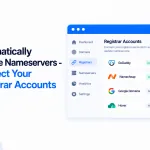
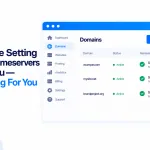
We Are Setting The Nameservers For You - Nothing For You To Do

We Are Setting The Nameservers For You – Nothing For You To Do

If you see “We are setting the nameservers for you — nothing for you to do”, that’s exactly what it means. For any domain we can handle — bought through us, connected via your registrar, or already pointing at us — we point it at your site automatically, usually within about 10 minutes.

Read article →


Can I Create Subdomains Via A 3rd Party

Can I Create Subdomains Via A 3rd Party?

Yes. You can host a subdomain on a completely separate server — anywhere you like — and link it to your domain through the DNS Records panel. You don’t need to create the subdomain here at all

Read article →
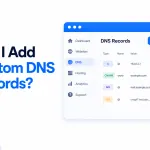
Can I Add Custom DNS Records

Can I Add Custom DNS Records?

You can add and manage your own DNS records for any domain directly from your dashboard — no need to open a support ticket. The panel supports A, AAAA, CNAME, TXT, MX, SRV, CAA and NS records, and on Cloudflare‑fronted sites you can switch the orange cloud (CDN proxy) on or off for each record.

Read article →
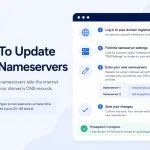
How to update your Nameservers

How To Update Your Nameservers

Step-by-step guide to update your nameservers at any registrar — GoDaddy, Namecheap, Cloudflare and more — and point your domain at PBN LTD.

Read article →
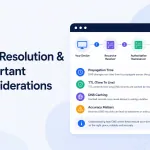
DNS Resolution & Important Considerations

DNS Resolution & Important Considerations

Domain not loading after a nameserver change? DNS usually updates within a few hours — up to 24 hours at most. Learn how to check propagation, safely speed it up, and fix it with our step-by-step DNS troubleshooting checklist (nameservers, DNSSEC, CDN zone and registrar holds).

Read article →