
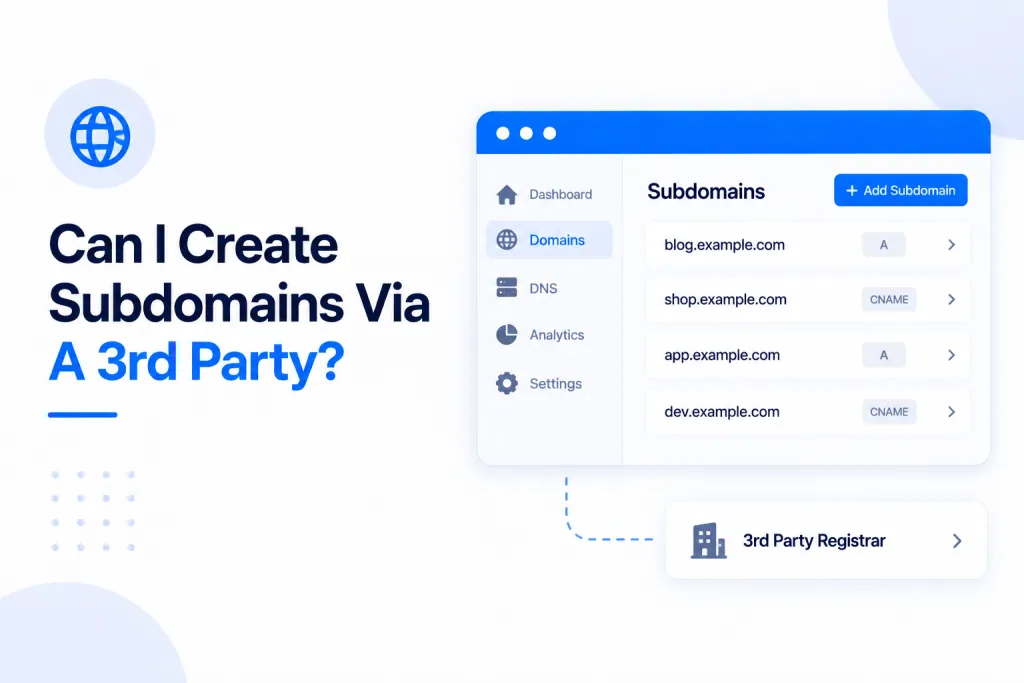
Yes. You can host a subdomain on a completely separate server — anywhere you like — and link it to your domain through the DNS Records panel. You don’t need to create the subdomain here at all: you set it up on the other host, then point to it with a single DNS record.
💡 The short version: set the subdomain up on your other host, then in DNS Records add an A record — the subdomain as the name, and the IP address of that server as the value. That links the two together and the subdomain works.
🔗 How it works
A subdomain — something like blog.yourdomain.com — can live on a totally different server from your main site. To make it resolve, your domain just needs a DNS record telling the world where that subdomain lives. You add that record right here in the DNS Records panel; there’s nothing to “create” on our side, and you can add or change records for the subdomain whenever you need to.
🛠️ How to link a 3rd-party subdomain
- Set the subdomain up on your other host, and note the IP address of the server it lives on.
- In your PBN LTD dashboard, open the DNS Records tab for your domain.
- Click Add Record and choose A as the type. Enter the subdomain label as the Name (for example,
blogforblog.yourdomain.com), and the server’s IP address as the Value. - Save. The subdomain and your other server are now linked, and the subdomain will resolve.
Need a hand with the panel itself? See Can I Add Custom DNS Records? for the full walkthrough.
⚠️ Important — leave the record unproxied. On Cloudflare sites, the A record for your subdomain must be DNS-only (grey cloud), not proxied (orange cloud). Toggle the orange cloud off for this record — if it’s proxied, the connection to your other server won’t work correctly.
🔒 SSL is handled by the other host. Because the subdomain lives on a different server, its SSL certificate is issued and managed by that host — not by us. Set up HTTPS for the subdomain over on the server where it’s hosted.
✅ That’s all there is to it — host the subdomain wherever you like, add one unproxied A record here pointing to its IP, and manage its DNS from the same panel whenever you need to.