
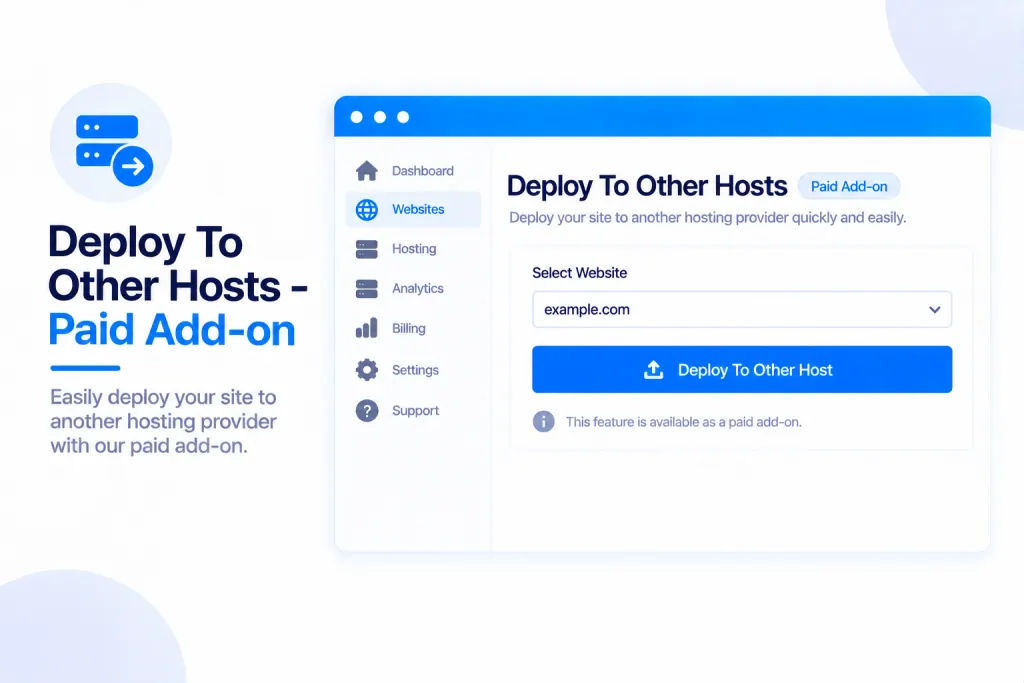
Deploy to Other Hosts is a paid add-on that lets you publish your sites to your own accounts at eight outside hosts. You connect your own account with your own token, and everything at that host — the project, its billing and its limits — stays entirely yours. It sits alongside your normal PBN.LTD hosting, in its own separate section.
💡 Heads-up
You publish to your own accounts at these hosts, using your own token — we never publish to an account of ours, and we never touch your billing or limits there. This is completely separate from PBN.LTD’s own “Add site”, so your hosted sites aren’t affected.
What it does, and where to find it
Deploy to Other Hosts publishes your site’s files to your own account at one of these eight external hosts:
- GitHub Pages
- Cloudflare Pages
- Netlify
- Vercel
- GitLab Pages
- Render
- Azure Static Web Apps
- AWS Amplify
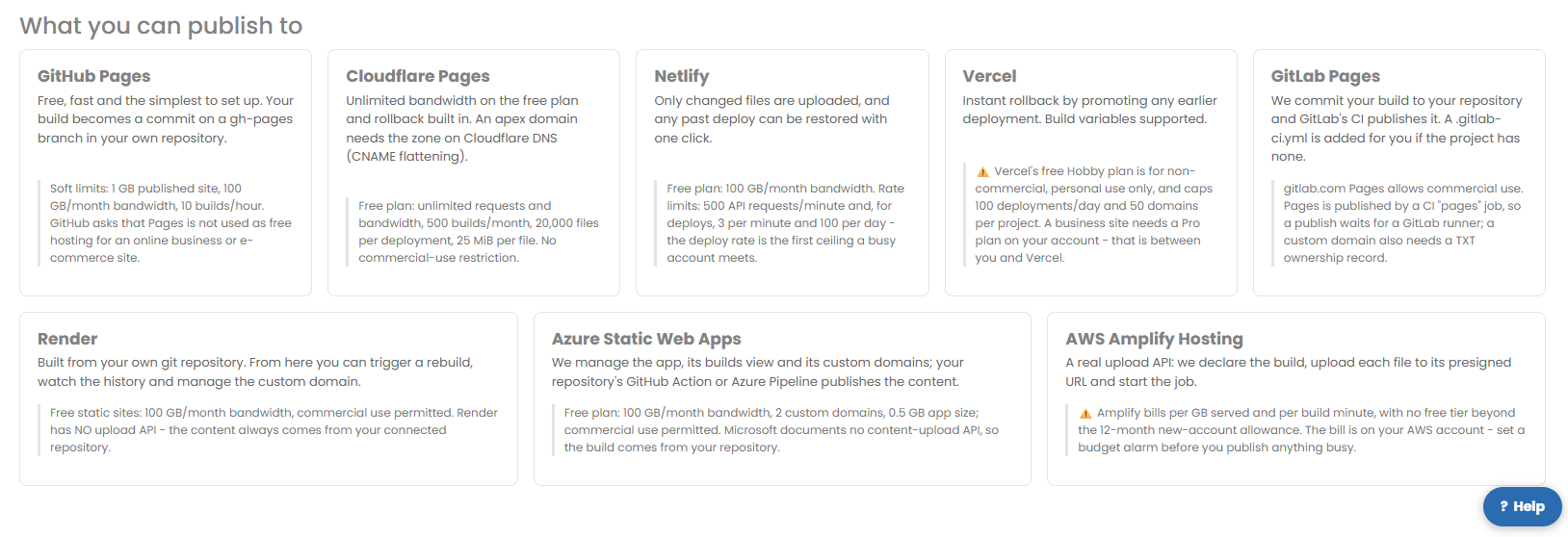
Each host has its own free-tier terms and quirks, shown on its card — for example, GitHub Pages asks that you don’t use it as free hosting for a business or e-commerce site, Vercel’s free Hobby plan is for non-commercial use only, and AWS Amplify bills per GB with no free tier beyond its new-account allowance (so set a budget alarm before publishing anything busy). It’s worth a quick read of the card before you pick one.
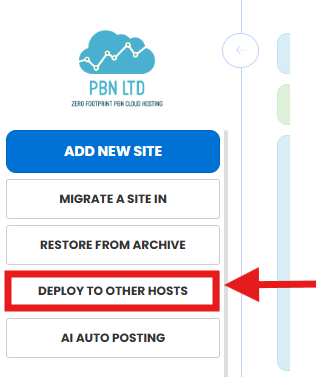
You’ll find it in the left menu under Deploy to other hosts, or from the Sites list Actions menu → Deploy to other hosts.
Sites you publish this way also appear in your normal Sites list, badged EXTERNAL, with the same online badge, indexing check and SEO figures as your hosted sites.
Getting the add-on
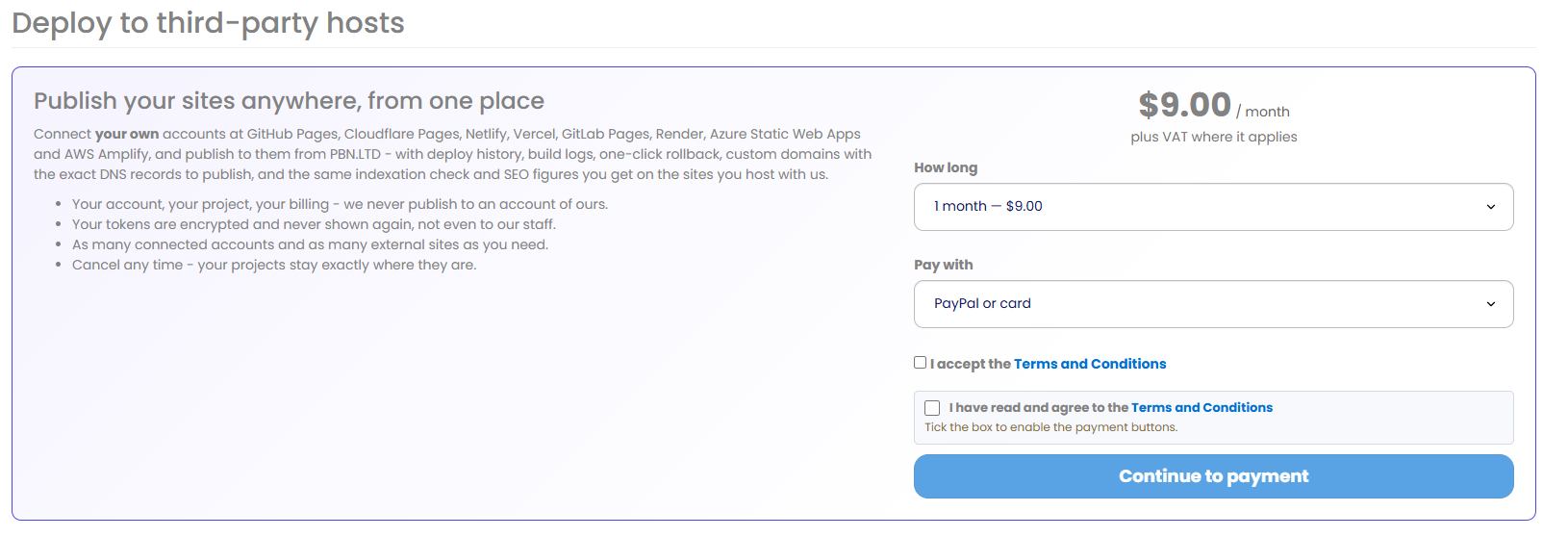
Deploy to Other Hosts is a paid add-on at $9 a month (VAT added automatically, and invoiced like everything else). You can pay for 1, 3, 6 or 12 months at a time, connect as many accounts and publish as many external sites as you like, and cancel any time — your projects stay exactly where they are. Until you have the add-on, these pages show you the offer instead of the tools; once you do, manage it and see your payment history on the Billing page.
Connecting an account
First, connect the host you want to use. On the Connections page each provider has a card showing that provider’s free-tier terms and a “Get a token” link. Add your account by pasting a token from that provider, press Test connection to check it works, and disconnect again whenever you like. Your token is stored securely.
Deploying a site
Once an account is connected, open the deploy form and choose:
- The connected account to publish to.
- The project — pick an existing one or create a new one.
- The source — an uploaded zip, the files of a site you host with us, or a repository you’ve already connected at the provider.
- Build settings, a name, and an optional custom domain.
Press deploy and it publishes to your account at that host. Two of the hosts — Render and Azure Static Web Apps — build straight from your repository, so instead of a deploy button they show “built from your repository” with a Rebuild button.
Managing a deployed site
Each external site has its own page with tabs for Deploy, History, Domain, SEO, Settings and Activity:
- Roll back to an earlier version — on History.
- The DNS records for a custom domain — on Domain.
- Remove the site — on Settings.
Custom domains
You can point your own domain at an external site. We attach the domain at the provider and show you the exact DNS records to publish — but your DNS stays yours: we never write it for you. A pending domain is re-checked twice an hour until it goes live. If your domain’s DNS is managed here at PBN.LTD, you can add those records yourself — see Can I Add Custom DNS Records?
What we check before publishing
Before anything leaves us, every build is checked and tidied up:
- Risky or private files are dropped — things like
.env,.htaccess,wp-config.php, database dumps,.gitandnode_modules, plus anything using symlinks or path tricks. - If your files are wrapped in an extra folder, we unwrap it for you.
- A build with no
index.htmlis refused, with a clear reason why.
The limits are up to 20,000 files, 25 MB per file and 300 MB per build — set at or below the strictest host’s own limit, so if something’s too big you find out here rather than halfway through an upload. Publishing also runs on its own, so it never slows down your other clicks or a PBN.LTD deploy.
✅ Quick summary: Deploy to Other Hosts ($9/month) publishes your sites to your own accounts at eight external hosts — GitHub Pages, Cloudflare Pages, Netlify, Vercel, GitLab Pages, Render, Azure Static Web Apps and AWS Amplify. Connect your account with your own token, deploy from a zip, your hosted files or a repo, and handle deploys, rollbacks and custom domains from one place. Everything at the host stays in your account, and we check every build for safety before it goes.