
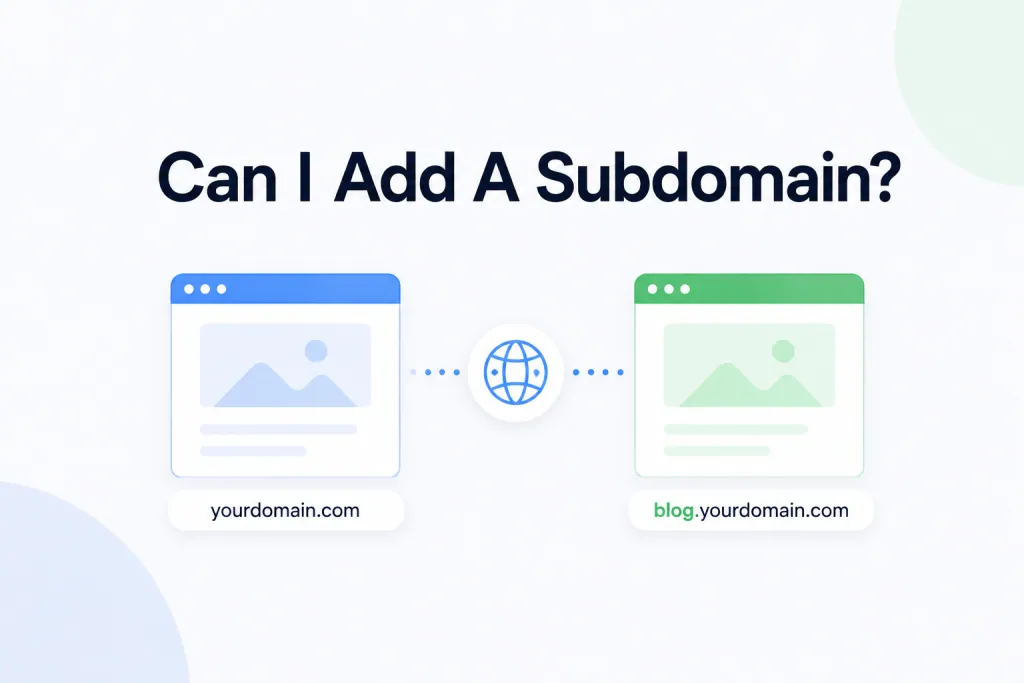
Short version: yes, you absolutely can — and it’s now easier than ever. Subdomains can be added by you, directly inside your PBN.LTD dashboard. No packages to open, no support tickets, no third-party platforms. Here’s everything you need to know!
🚀 How Subdomains Work at PBN.LTD
Subdomains are now created straight from your PBN.LTD dashboard — exactly the same way you add a root domain. There’s no need to open a separate package or use any other platform.
A subdomain is hosted as a site in its own right — it has its own files, its own database, its own mailboxes and its own allowances — and it uses one site from your plan.
What that means for you:
- ✅ Fully self-service — add it yourself in the dashboard, no support ticket needed.
- ✅ Its own site — its own files, database, mailboxes and allowances.
- ✅ Uses one site from your plan — just like adding any other domain.
- ✅ Parent domain must be hosted with us — we can only add a subdomain of a domain you already host at PBN.LTD.
🖥️ How To Add A Subdomain
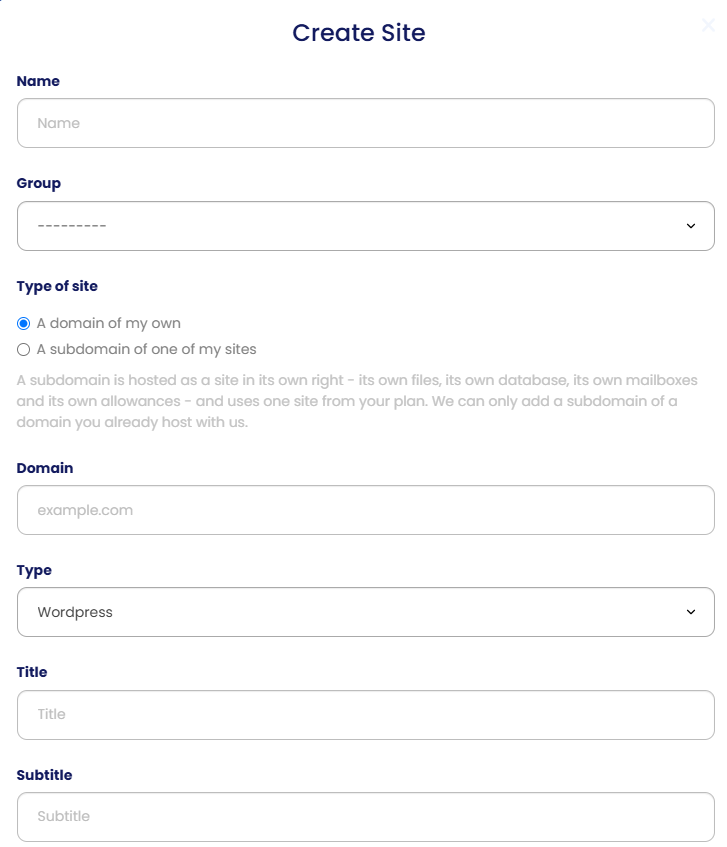
Adding a subdomain works exactly the same way as adding a root domain — you just choose a different option when you create the site.
- In your dashboard, choose to add a New Site — the same button you use to add any domain.
- Under Type of site, select ‘A subdomain of one of my sites’ (instead of ‘A domain of my own’).
- In the Domain field, enter your subdomain (for example
blog.example.com). Remember, the parent domain must already be hosted with us. - Fill in the rest of the form as normal — Name, Group, Type (e.g. WordPress), Title and Subtitle.
- Create the site — that’s it! Your subdomain is set up as its own site, ready to go.
❓ FAQs
Do I need to open a package or contact support?
No. Subdomains are now fully self-service — you add them yourself in the dashboard. There’s no package to open and no ticket to raise.
Does a subdomain use one of my plan’s sites?
Yes. A subdomain is hosted as a full site in its own right — its own files, database, mailboxes and allowances — so it uses one site from your plan, just like any other domain.
Can I add a subdomain of any domain?
Only of a domain you already host with us. The parent domain needs to be on your PBN.LTD account first — then you can add subdomains of it.
How is adding a subdomain different from a root domain?
Barely at all. You follow the same ‘New Site’ flow and simply choose ‘A subdomain of one of my sites’. Once created, it behaves as its own independent site.
What happened to NT Cloud?
We no longer use NT Cloud for subdomains. Everything is now handled directly inside your PBN.LTD dashboard.
That’s it! Adding a subdomain is now as simple as adding any other site — head to your dashboard, add a New Site, and choose ‘A subdomain of one of my sites’.
Any questions at all, just open a ticket — we’re happy to help!