
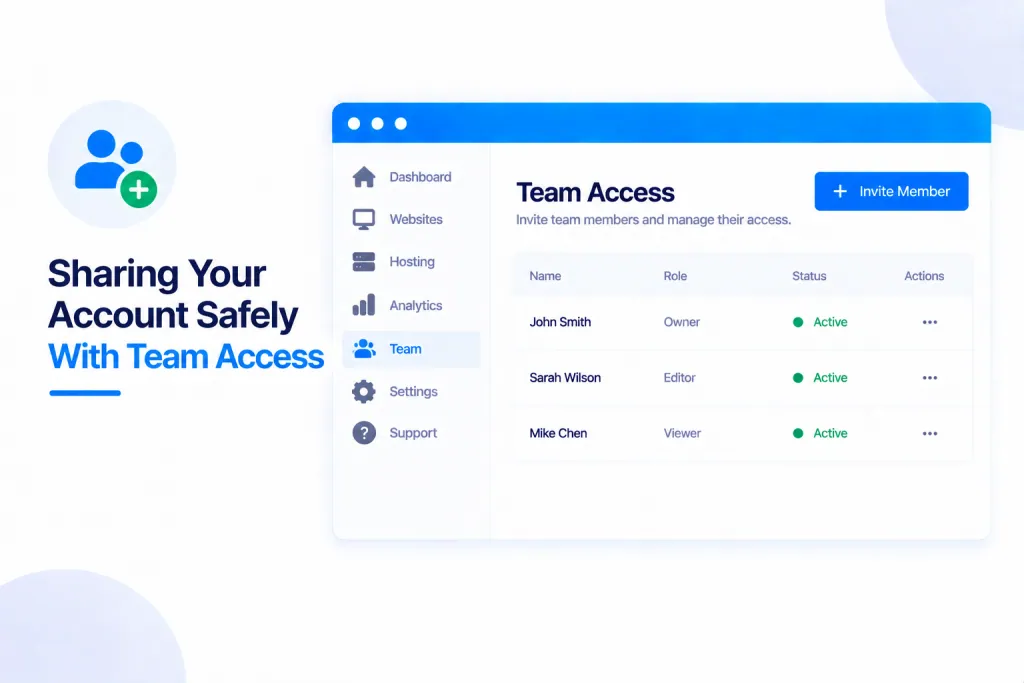
Team Access lets colleagues, freelancers or your accountant work in your account with their own login — no password sharing. You choose exactly which sites they can see and what they’re allowed to do, and you can change or remove their access at any time.
💡 Heads-up
Nobody ever gets your password. Each person signs in with their own login and only sees what you’ve allowed — the sites you pick and the actions their role covers. Only you, the account owner, can manage access, and you can remove anyone in a click.
What Team Access is
Instead of handing out your password, you invite people into your account and give each one their own, controlled access. You decide which sites they see and what they can do, and everything they do is recorded. You’ll find it under the account menu → Team access.
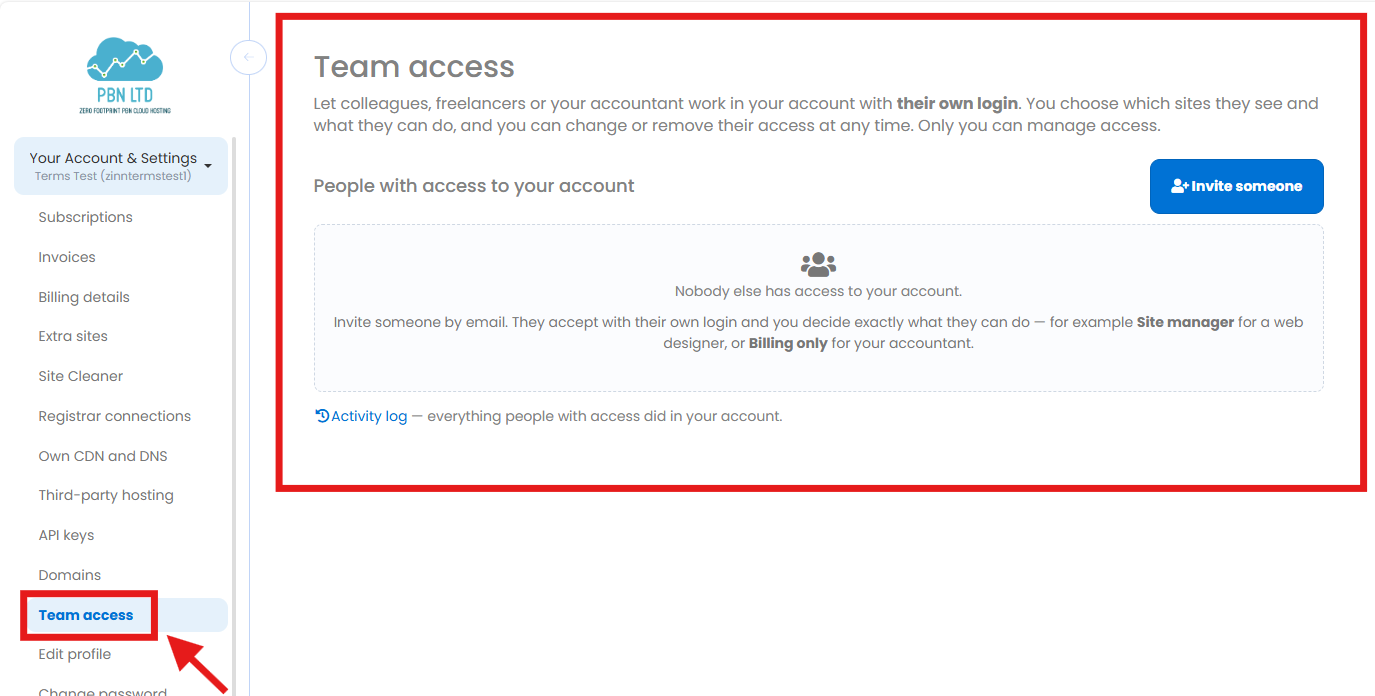
Inviting someone
Press Invite someone and enter their email address. They accept the invitation with their own PBN.LTD login (they create one if they don’t have it already), then switch into your account using the account picker — a banner always shows whose account they’re working in, so there’s no confusion. An invitation that’s never accepted simply expires.
Choosing what they can do
For each person you set two things:
- Which sites they can reach — all of them (including any you add in future), or just a list you choose.
- What they can do — chosen from 23 individual permissions grouped into five areas, so you can be as broad or as precise as you like.
If someone tries to open a page their permissions don’t cover, it’s simply refused — and every refusal is recorded, so nothing happens quietly.
The four ready-made roles
To save setting permissions one by one, there are four presets you can pick and then fine-tune:
| Role | Good for — and what they can do |
|---|---|
| Full admin | A trusted partner who needs the run of the account — they can do almost everything you can (only you manage team access itself). |
| Site manager | A web designer or developer — manage the sites, without the billing side. |
| Billing only | Your accountant — pay and view invoices, and nothing else. |
| Read-only | Someone who just needs to look — see everything, change nothing. |
Changing or removing access
You’re always in control. Open anyone with access to change their sites or permissions, or remove them entirely. A change or a removal takes effect on their next click — and anything they set up while they had access (such as an API key) stops working the moment their access ends. People whose access has ended, and invitations that expired, tuck away below your active list.
The Activity log shows everything people with access have done in your account, so you always have a full record.
✅ Quick summary: Team Access lets colleagues, freelancers or your accountant work in your account with their own login — never your password. Invite by email, choose which sites they see and what they can do (23 permissions, or a ready-made role like Site manager or Billing only), and watch everything in the Activity log. Only you manage access, and you can change or remove anyone in a click.