
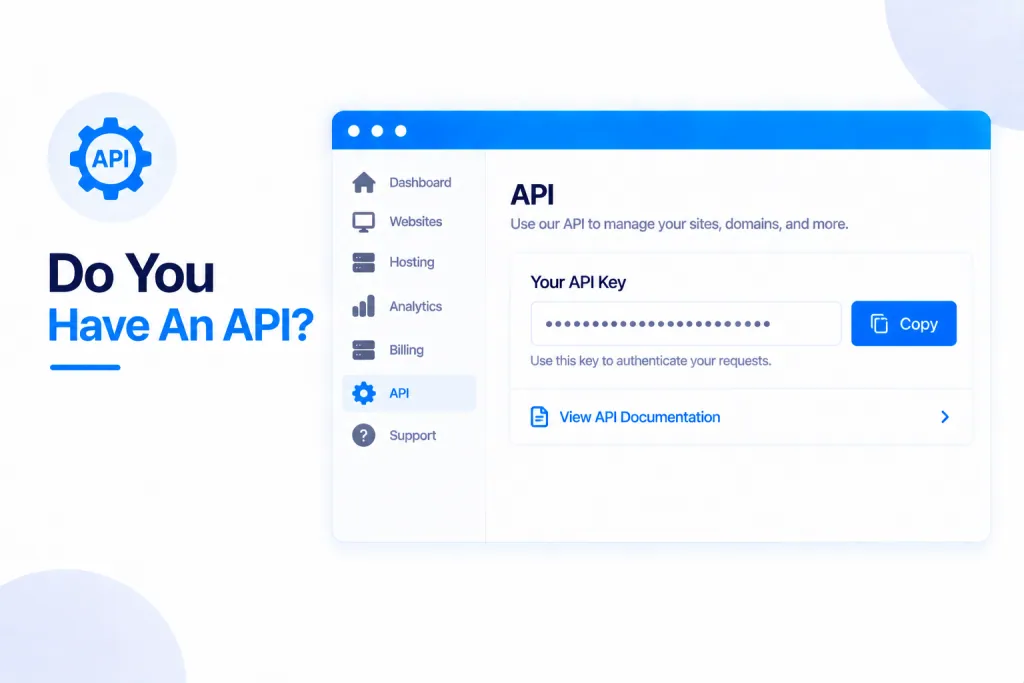
Yes — PBN.LTD has a full API, so you can manage your hosting from your own tools, scripts and dashboards. As a rule of thumb, anything you can do in your dashboard you can also do through the API.
💡 Heads-up
You control everything with API keys — make as many as you like, scope each one to just what it needs, and revoke any of them instantly. A key can never do more than your account can. Prefer not to write any code? You can connect an AI assistant to the very same operations through our MCP server (more on that below).
What the API lets you do
It’s a full REST API at app.pbn.ltd/api/v1, with 58 endpoints across 17 areas — so you can plug PBN.LTD into your own dashboards, scripts and tools and automate whatever you like. It covers:
- Sites — list, search, create any site type, change settings and PHP version, run health checks and Site Cleaner, and refresh usage.
- DNS records.
- Backups & restores.
- File manager.
- Error & access logs.
- Billing & invoice downloads.
- Support tickets.
- Knowledge-base search.
Getting an API key
Go to the account menu → API keys. Create as many keys as you need, and tailor each one:
- Full or scoped — limited to exactly the operations it needs.
- Limited to chosen sites.
- Given an expiry date, an IP allowlist, and its own rate limit.
Your key is shown once when you create it, so copy it there and then. You can see what each key has been doing under Activity, and press Revoke to switch it off instantly.
Security & rate limits
A key can never do more than your account can — and a key created by someone with Team access stops working the moment their access is revoked. There are sensible rate limits too: 120 calls a minute, 5,000 an hour, and 30 writes a minute — plenty for normal use, and our support team can raise them if you have a good reason.
The full documentation
Everything is documented — authentication, scopes, rate limits, pagination, errors and background jobs — with a reference page for each area and copy-and-paste examples in curl, Python and JavaScript.
Prefer to just ask an AI?
If you’d rather not write any code at all, you can connect Claude, ChatGPT or any AI assistant to the same operations through our MCP server, and simply ask in plain words. See Connect Any AI Assistant To Your Account (MCP Server).
✅ Quick summary: Yes — PBN.LTD has a full REST API (58 endpoints) so you can manage everything from your own tools. Create scoped API keys from the account menu, secure them with an expiry, IP allowlist and rate limits, and revoke any of them instantly. The full docs, with curl, Python and JavaScript examples, are at app.pbn.ltd/api/docs — or connect an AI assistant through MCP for the no-code route.