
Brand mentions finds the pages that talk about you without linking to you or telling you – reviews, comparison posts, forum threads, “best five” roundups. For every mention you get the page, the site, the sentence your name appears in, and whether the tone is positive, neutral or negative. You do not need hosting with us, or even a website. It is the companion to AI Visibility: that one tells you what AI assistants say about you, this one tells you what the rest of the web says.
💡 Track your brand name and your domain separately
People write “Acme” in one sentence and “acme.com” in another, and the two turn up on different pages. Two entries cost two slots and are worth it.
Open brand mentions
It is under SEO tools in the menu, or go straight to https://app.pbn.ltd/brand-mentions/. The top of the page shows how many mentions we have found, how many are new in the last seven days, and the positive/negative split.
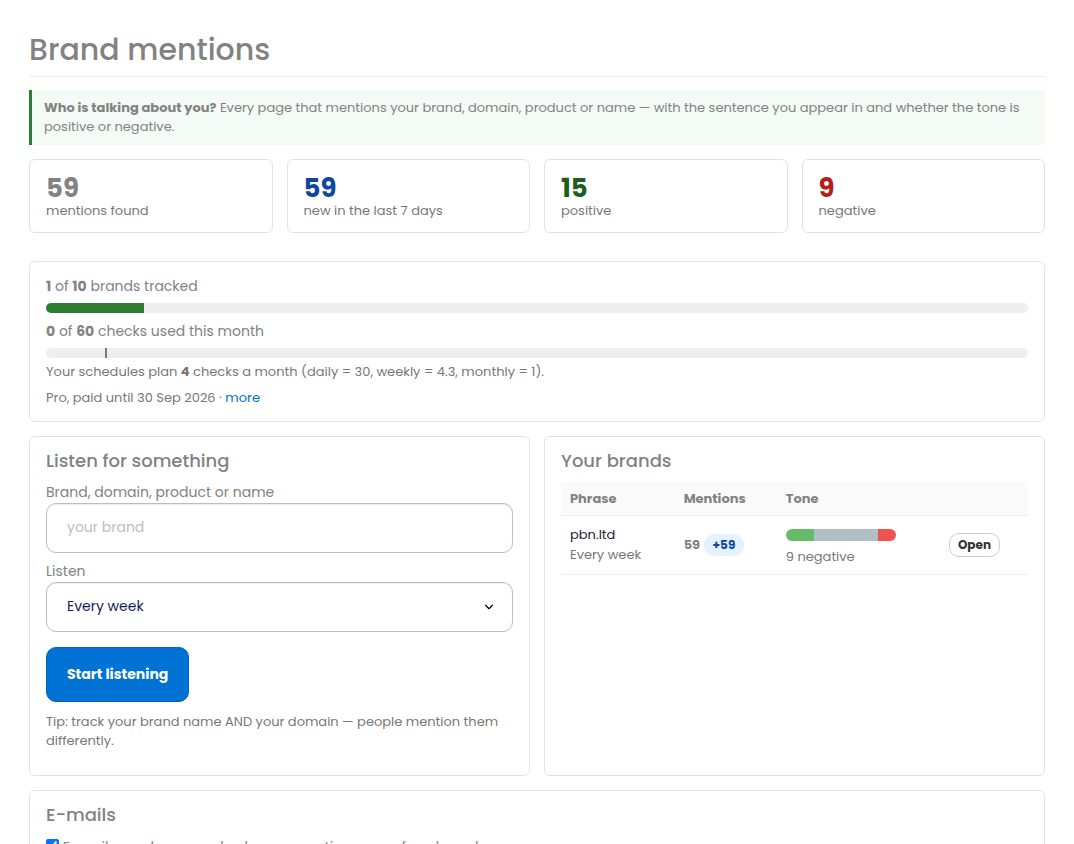
Add something to listen for
In Listen for something type the phrase and choose how often we look. It can be anything – a brand, a domain, a product, a founder’s name, a competitor.
- Every day – for the name you most need to hear about.
- Every week – the usual choice.
- Every month – for names that rarely move.
The first results arrive within a few minutes. If you host sites with us, your own domains are offered as suggestions in the box.
Reading a mention
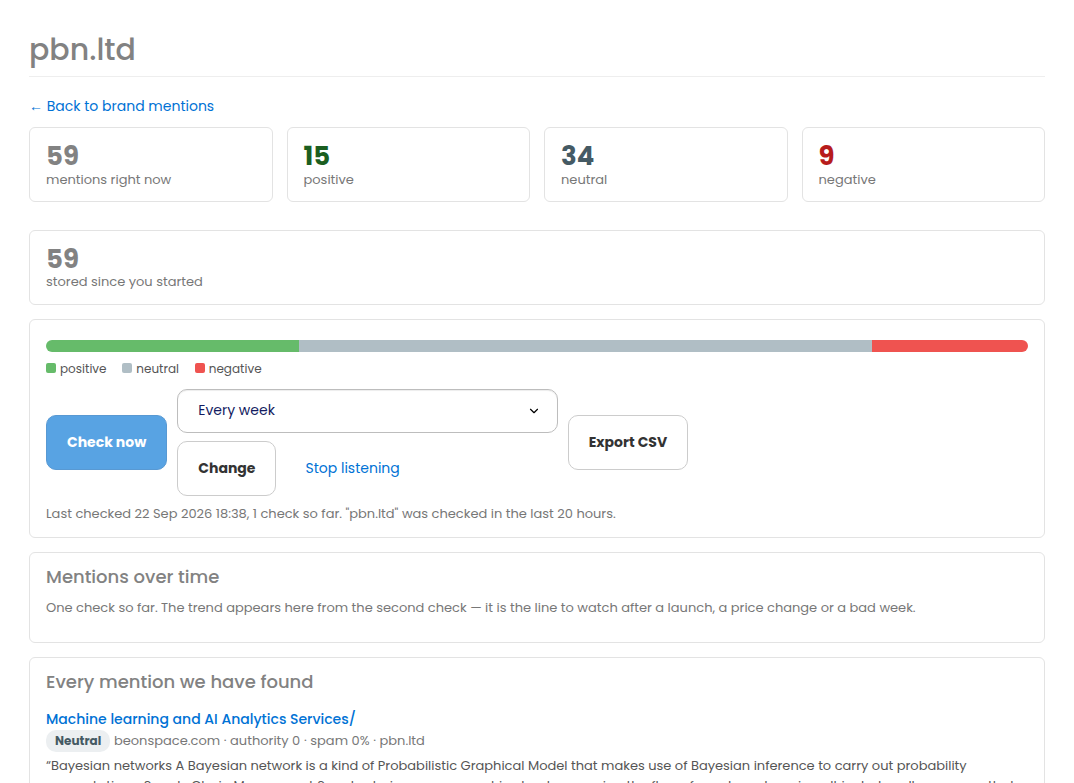
Every mention shows the page title (a link to the page itself), the site, the sentence your phrase appears in, and three things that tell you whether it matters:
- The tone – positive, neutral or negative. It is a signal, not a verdict: the sentence is shown next to it so you can judge for yourself.
- The site’s authority – a mention in a real publication and a mention on a scraper are not the same thing.
- The site’s spam score – high means treat it with suspicion.
Sort by Strongest sites first to see the mentions worth acting on, filter to Negative when you want the problems, or tick New only for the last seven days.
How the allowance works
Your plan includes a number of checks a month. One check is one listen for one phrase: a phrase on daily uses about 30 a month, weekly about 4.3, monthly 1.
The dashboard shows how much you have used and a marker for how much your chosen schedules plan to use. If a change would take you past your allowance we say so before it happens. If you do run out, scheduled checks wait for the 1st.
Press Check now on a brand to look immediately; it uses one check and is limited to once a day per phrase.
E-mails
You get one e-mail at most per day, only when there is something new, with negative mentions listed first. It never sends one message per mention.
At the bottom of the page you can switch the e-mails off, or tick Only e-mail me about negative mentions if you only want to hear about problems.
Watching reputation over time
Every check is kept, so each brand has a chart of how many mentions existed at each check and how many of them were negative. That is the number to watch after a launch, a price change or a bad week – a single mention is noise, a trend is not.
Export and the API
Export any filtered list, or everything found for one brand, as CSV. Everything is also in the public API under the Brand mentions tag – list brands, add and remove them, change a schedule, run a check and read every mention. See https://app.pbn.ltd/api/docs. The scopes are mentions:read and mentions:write.
Related
- AI Visibility – see what AI assistants say about your brand
- Backlink Monitor – know the day a link disappears
More about Brand mentions: Brand mentions on pbn.ltd · all SEO tools