
Money-site hosting is for the sites you actually earn from – a client site, a shop, the brand you are building. It runs on separate infrastructure: our sister company Zinn Digital’s own managed platform, with its own servers and its own IP ranges, so your money site never shares a server, an IP range or a footprint with a private blog network. You buy it and manage it here. It has its own item in the menu: Money-site hosting.
💡 Why keep them apart?
A private blog network and the site it points at should look like strangers to a search engine. Same servers, same IP ranges and the same neighbours is the one thing that makes them look related. That is why money-site hosting is a different platform, not just a different plan.
Where to find it
Open Money-site hosting in the menu. It has four pages:
- WordPress – the Managed WordPress plans (this article);
- Applications – hosting for one application such as Drupal, Joomla or Moodle (see Application hosting);
- My money sites – your money sites and orders;
- More from Zinn Digital – agency, reseller, cloud and other hosting sold by Zinn Digital (see More hosting from Zinn Digital).
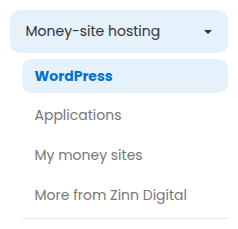
Your sites list also has a line that leads here.
The plans
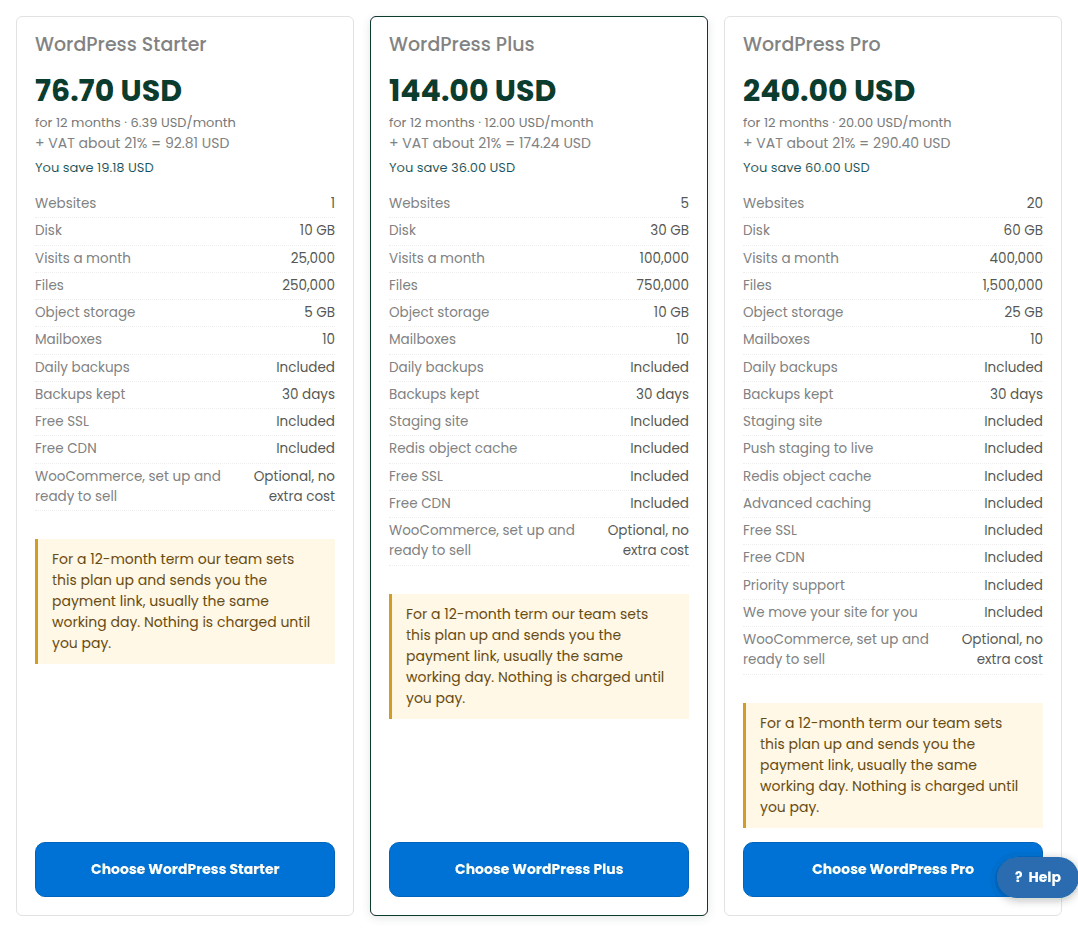
- WordPress Starter – one site with daily backups, free SSL, a free CDN, mailboxes and object storage.
- WordPress Plus – more sites, more disk and visits, plus staging, on-demand backups and a Redis object cache.
- WordPress Pro – the most sites, advanced caching, push to live, priority support and a migration done for you.
Every plan installs WordPress for you, and every plan has the Install WooCommerce – fully set up and ready to sell tick. There is no separate WooCommerce plan: pick Plus or Pro for a busy shop. The exact allowances and prices are on the plans page, read from the live catalogue.
Buying one
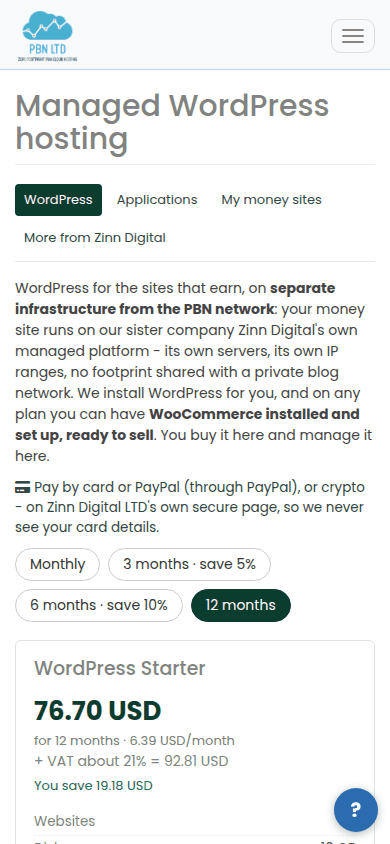
- Choose how long you want to pay for – 1, 3, 6 or 12 months. The longer terms cost less a month, and the card shows what you save.
- Choose the plan.
- Tick WooCommerce if the site is a shop.
- Enter your domain, or leave it out to start on a temporary address.
- Press Continue to payment and pay by card, PayPal or crypto on Zinn Digital LTD’s own secure page. We never see your card details.
- The site appears under My money sites as soon as it is built.
Monthly and 12-month terms are placed online. For a 3- or 6-month term, or if online ordering is paused, our team sets the order up and sends you the payment link – you get a ticket and a note on the order that nothing has been charged.
Managing it from your dashboard
The site’s page shows whether it is live, the plan and what it includes, disk, files and visits against the allowances, hostnames, PHP version and region, and recent jobs and errors. A few jobs – file manager, database tools, SSH and SFTP details, staging and restores – open in the Zinn Digital panel, because they need a signed-in session there.
If something is wrong
Open a ticket from Support. Our team sees your money site, its state and its usage on the ticket itself.