
Monthly subscription — the default billing cycle on PBN LTD; renews automatically each month via Fastspring or PayPal.
One-time payment — a single manual payment (Fastspring, PayPal or crypto) that covers the period you choose: 1, 3, 6 or 12 months. No auto-renewal.
Account expiry — the date your access runs until. A one-time payment pushes this forward by the number of months you paid for.
⚙️ How billing works by default
💰 Paying for multiple months or a year upfront
🖥️ Choosing your billing period in the dashboard
❓ FAQs
⚡ Quick summary
⚙️ How Billing Works by Default
PBN LTD’s system is built around monthly billing cycles. When you subscribe, you’re billed each month automatically through Fastspring or PayPal. Alternatively, you can make a one-time payment whenever you like — using Fastspring, PayPal or cryptocurrency.
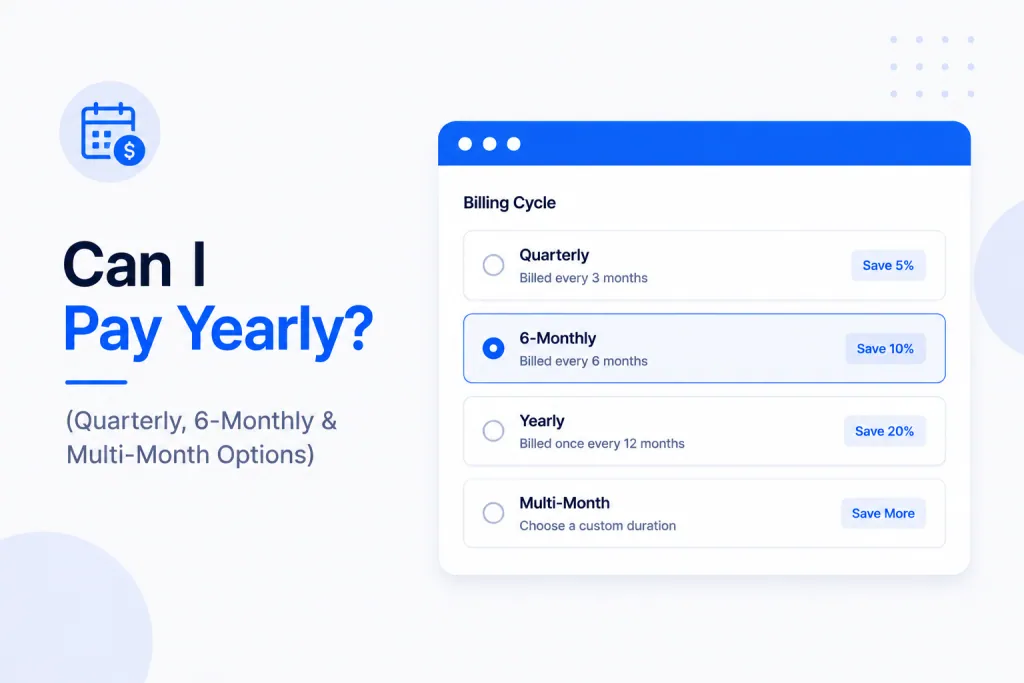
There’s no separate “yearly plan” button in the checkout, but you’re not stuck paying month by month either. When you make a one-time payment you simply choose how long you want to cover — 1, 3, 6 or 12 months at a time — and it’s all self-service from your dashboard.
💰 Paying for Multiple Months or a Year Upfront
If you want to pay for a longer period in one go, you can. When you make a one-time payment you choose the period that suits you — 1 month, 3 months, 6 months, or 12 months (a full year) — and pay for the whole thing in a single transaction using Fastspring, PayPal or cryptocurrency.
Here’s how it works in practice:
- Choose your billing period — 1, 3, 6 or 12 months — when you make a one-time payment.
- Pay for the whole period in one transaction using Fastspring, PayPal or cryptocurrency.
- Your account expiry jumps forward by the number of months you paid for.
🖥️ Choosing Your Billing Period in the Dashboard
You no longer need to contact support to pay for a longer period — it’s all self-service. Just head to your dashboard and open the Subscriptions tab, exactly as you normally would.
From there, choose your billing period — 1, 3, 6 or 12 months — and complete the one-time payment using Fastspring, PayPal or cryptocurrency. Your account expiry updates automatically to reflect the period you’ve paid for.
❓ FAQs
Can I pay yearly for my PBN LTD hosting?
Yes. Choose the 12-month (yearly) option when you make a one-time payment in the Subscriptions tab, and pay for the full year in one go using Fastspring, PayPal or crypto. There’s no need to contact support.
Can I pay quarterly or every 6 months?
Yes — just pick the 3-month (quarterly) or 6-month option when you make your one-time payment in the Subscriptions tab. It’s all self-service, using Fastspring, PayPal or crypto.
Do I get a discount for paying yearly?
There is no automatic discount built into the system for yearly payments — you pay the standard monthly rate multiplied by the number of months.
What payment methods can I use to pay multiple months upfront?
You can use Fastspring, PayPal or cryptocurrency — all three support one-time payments for 1, 3, 6 or 12 months. Just pick your preferred method and billing period in the Subscriptions tab.
Will my sites freeze if I’ve paid upfront for months ahead?
No — as long as your account expiry date is in the future, your sites stay active. Each one-time payment pushes the expiry forward by a month, so if you’ve pre-paid 12 months your sites will run uninterrupted for the full year. See I’ve Just Paid — Why Are My Sites Still Frozen? if you’ve paid and your sites haven’t unfrozen yet.
Can I switch from monthly to a one-time payment arrangement?
Yes — you can switch your payment method at any time. See How to Switch Your Payment Method for the full process.
PBN LTD runs on monthly billing by default, but you can pay for 1, 3, 6 or 12 months (a full year) in a single one-time payment — using Fastspring, PayPal or cryptocurrency. Just open the Subscriptions tab in your dashboard, choose your billing period and pay. There’s no longer any need to contact support to pay for a longer period.