
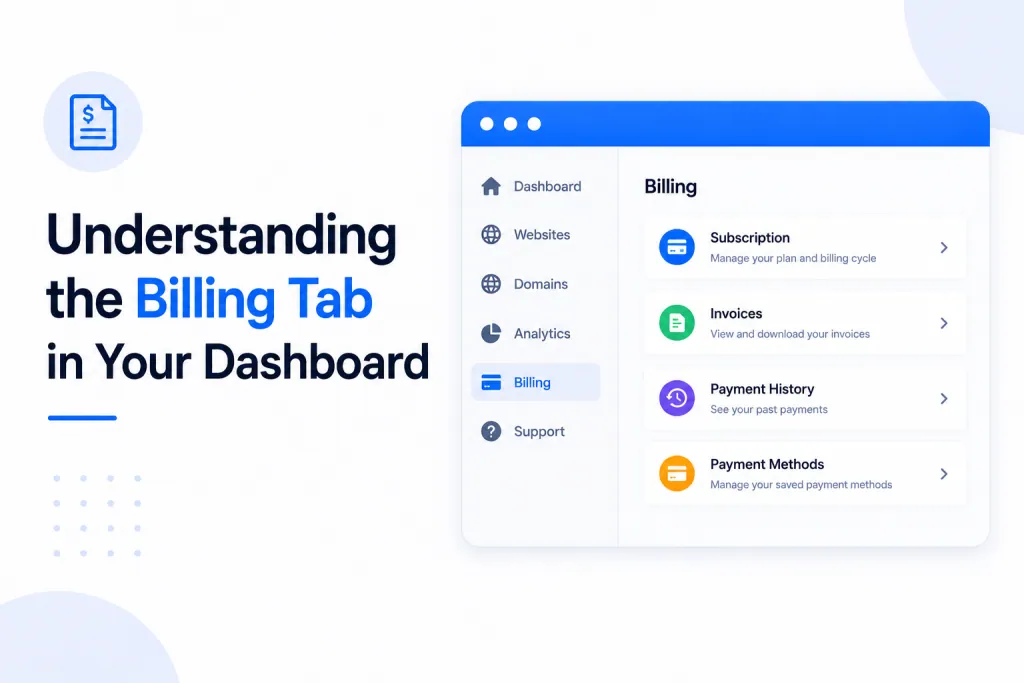
Billing tab — The section of your PBN.LTD dashboard where Fastspring invoices are stored.
Invoice — A document confirming a payment was made, usually including the amount, date, and what it was for.
Payment provider — The service that actually processes your money. On PBN.LTD that’s Fastspring, PayPal, or a Crypto payment.
📍 Where Is the Billing Tab?
🧾 Fastspring — Invoices In Your Dashboard
💙 PayPal — Where Are My Invoices?
🪙 Crypto — No Invoice Issued
🔍 Which Payment Method Am I On?
❓ FAQs
✅ Quick Summary
📍 Where Is the Billing Tab?
You’ll find the Billing tab in your dashboard’s main menu, just under your account name (next to Subscriptions, Edit profile, and so on). It’s there for every single account, regardless of how you pay.
However — and this is the key thing to understand — the Billing tab only displays invoices for customers paying through Fastspring. If you pay another way, the tab will be there but won’t show invoices, because your billing records are held by your payment provider instead. Here’s the breakdown for each method.
🧾 Fastspring — Invoices In Your Dashboard
If you pay through Fastspring (our default card-payment provider), this is the place for you. Your invoices are stored right here in the Billing tab, where you can view and download them whenever you need — handy for your records, accounting, or expense claims.
💙 PayPal — Where Are My Invoices?
If you pay via PayPal, your subscription is controlled by PayPal — not by us. That means you won’t find your invoices in the Billing tab. Instead, here’s how it works:
- PayPal sends your invoice / payment confirmation by email — it goes to whatever billing email is associated with your PayPal account (or the card you paid with through PayPal). Check that inbox for your receipts.
- Paying with your PayPal balance (not PayPal’s card payments)? You can also view and manage the subscription directly inside your PayPal app or website, under your subscriptions/automatic payments.
🪙 Crypto — No Invoice Issued
If you pay with Crypto, no invoice is issued — which is completely normal for crypto payments. There’s nothing to find in the Billing tab, and that’s expected, not a fault.
Your proof of payment is the transaction itself on the blockchain. If you need a record, you can reference the transaction hash (TXID) from your wallet or the wallet/exchange you sent the payment from.
🔍 Which Payment Method Am I On?
Not sure which provider you’re paying through? Here’s a quick reference for where to find your billing info:
| Payment Method | Invoice In Billing Tab? | Where To Find Your Records |
|---|---|---|
| Fastspring | ✅ Yes | View & download from the Billing tab |
| PayPal | ❌ No | Emailed by PayPal; manage in your PayPal app (if paying via balance) |
| Crypto | ❌ No | No invoice issued — reference your blockchain transaction (TXID) |
You can always check which payment method is active on your account by looking at the top of your Subscriptions tab, where your current payment method is shown.
❓ FAQs
Why is my Billing tab empty?
If your Billing tab is empty, it almost certainly means you’re not paying through Fastspring. PayPal and Crypto payments don’t show invoices here — see the relevant section above for where your records live.
Can I find my PayPal subscription details in my dashboard?
No. PayPal subscriptions are controlled by PayPal, so the details aren’t shown in your PBN.LTD Billing tab. Your payment confirmations are emailed to you by PayPal, and if you’re paying with your PayPal balance you can manage the subscription directly in your PayPal app or website.
I paid with Crypto and there’s no invoice — is that a problem?
Not at all — that’s completely normal. Crypto payments don’t generate an invoice. Your proof of payment is the blockchain transaction itself, which you can reference via the transaction hash (TXID) from your wallet.
I’m a Fastspring customer but can’t see my invoice yet
Invoices usually appear in the Billing tab shortly after a payment is processed. If you’ve just paid, give it a few minutes and refresh. If it still hasn’t appeared after a while, get in touch via the chat widget on our website and we’ll take a look.
Can I switch to Fastspring so I get invoices in my dashboard?
Yes — you can change your payment method at the top of your Subscriptions tab. See How to Switch Your Payment Method for the steps.
✅ Quick Summary
• The Billing tab is in everyone’s dashboard, but only shows invoices for Fastspring payers.
• Fastspring → view & download invoices in the Billing tab.
• PayPal → no invoice in the dashboard; PayPal emails your confirmation, and you can manage the subscription in your PayPal app (if paying via balance).
• Crypto → no invoice issued (normal); reference your blockchain transaction instead.
• Not sure which method you’re on? Check the top of your Subscriptions tab.