
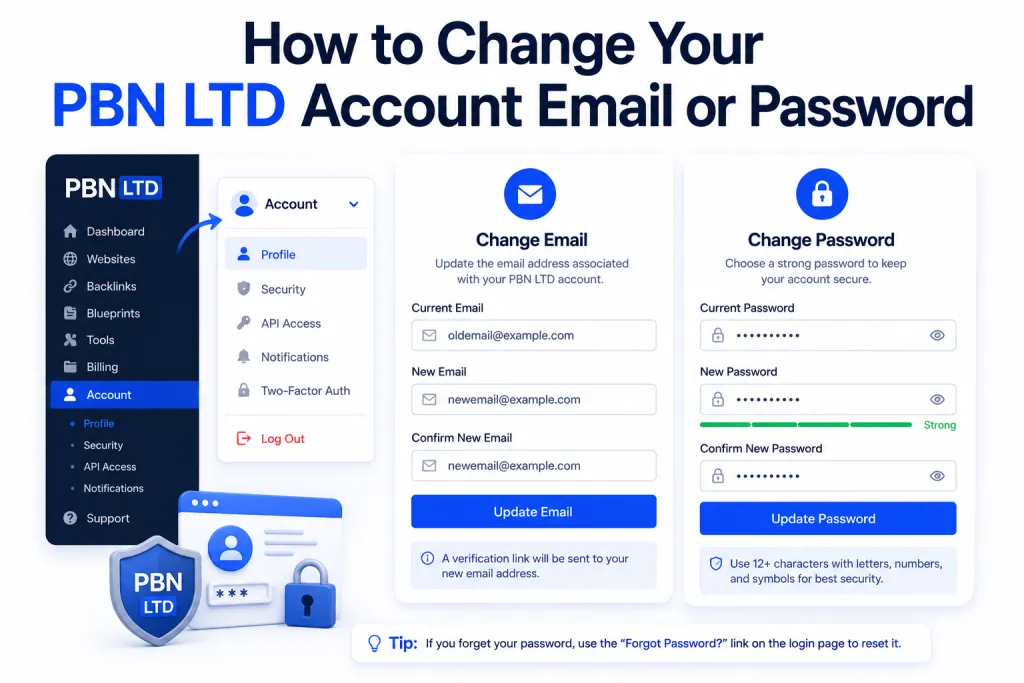
✉️ To Change Your Email Address
- Log in to your PBN LTD account.
- Look to the top left-hand menu and click on your Name.
- From the dropdown, select “Edit Profile.”
- Update your email address and save your changes.
Your account will now use the new email going forward.
🔑 To Change Your Password
- Click on your Name in the top left-hand menu.
- Choose the “Change Password” option.
- Enter your current password and then set a new one.
Make sure your new password is secure and unique to protect your account.