
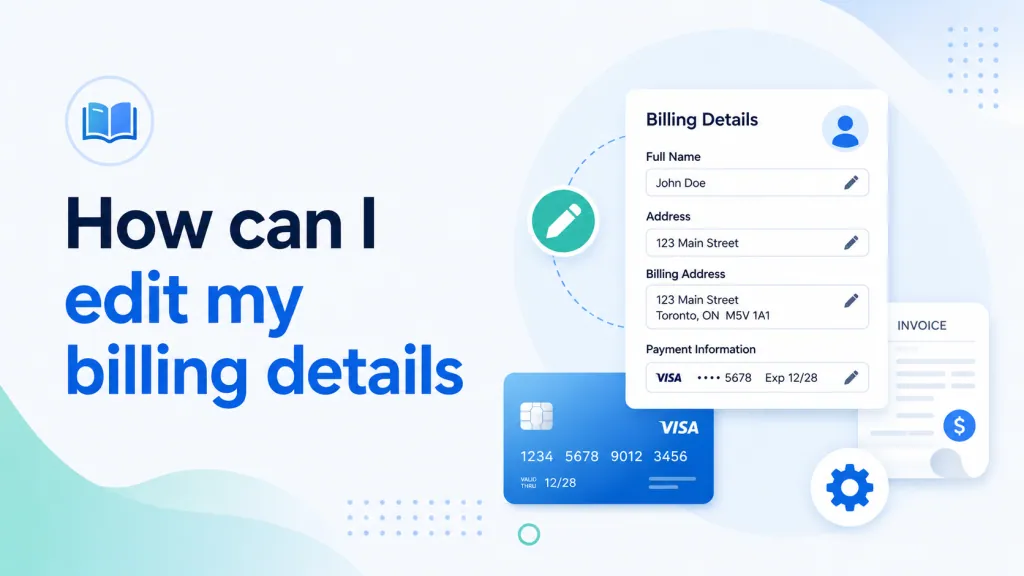
Quick summary: Most billing details — card info, PayPal account, billing address — are managed from the Billing section of your PBN LTD dashboard. The exact steps depend on your current payment method.
Looking to switch between payment methods (e.g. Card to PayPal) instead? See; Switching your payment method.
Before you start
This article covers how to update your existing billing details, including:
- Your card information
- The PayPal account linked to your subscription
- Your billing address and contact details
Log in to your PBN LTD dashboard at app.pbn.ltd before you begin.
If you pay by card or debit card
Card payments are processed through Fastspring, our secure billing provider. To update your card details or billing address:
- Log in to your account at app.pbn.ltd.
- Click your name in the top-right corner of the dashboard.
- From the dropdown menu, select Billing.
- You’ll be taken to the Fastspring billing portal.
From there, you can:
- Update your card information
- Change your billing address
- Manage your active subscriptions
Changes take effect immediately and will apply on your next billing cycle.
If you pay with PayPal
PayPal billing is also managed from the Billing section of your dashboard:
- Log in to your account at app.pbn.ltd.
- Click your name in the top-right corner of the dashboard.
- From the dropdown menu, select Billing.
From here, you can update:
- The PayPal account linked to your subscription
- Your billing contact information
- Active or cancelled subscriptions
Some PayPal settings — such as payment authorisations — are controlled by PayPal directly. For these, log in to your PayPal account dashboard.
If you pay with crypto
Crypto payments are handled as one-time transactions, so there are no stored billing details to edit. Each time you renew:
- You renew your subscription manually
- You can use a different wallet or crypto token each time
- No billing information is stored in your dashboard
To renew, just revisit your subscription plan and choose your preferred crypto option at checkout.
Need more help?
If you can’t access the Billing section, or your changes aren’t saving as expected, open a support ticket and we’ll help you get it sorted.